> ## Documentation Index
> Fetch the complete documentation index at: https://docs.mcpfy.ai/llms.txt
> Use this file to discover all available pages before exploring further.
# Support
> Get help and support for MCPfy - we're here to help you succeed
🙏 We welcome all kinds of feedback, feature requests, and help inquiries. We want you to succeed. We are always here to support you.
## Contact Us
Get dedicated support from the MCPfy team.
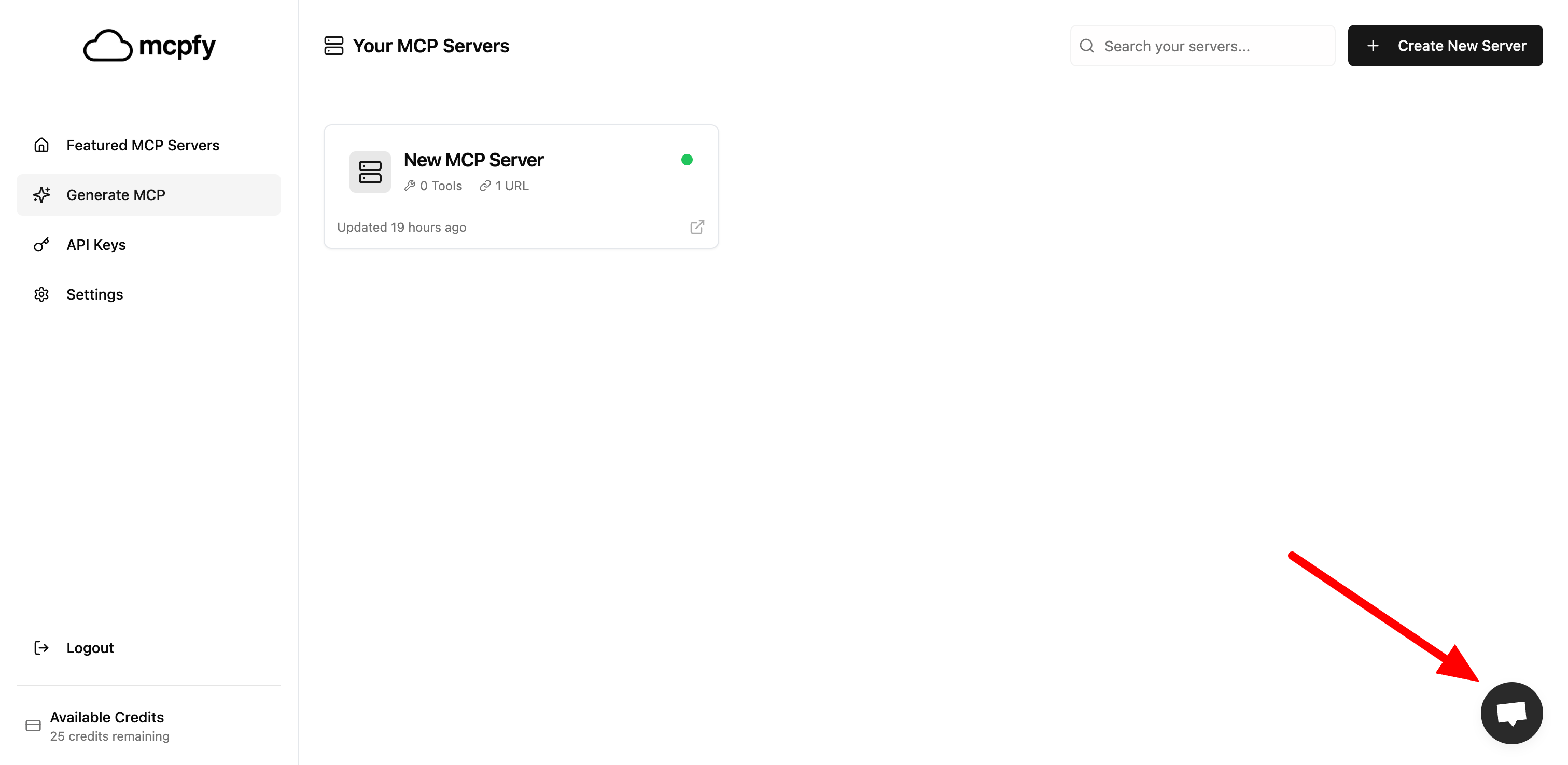
Use the chat widget in the bottom-right corner of your screen for instant support. Just click on the chat icon and write us your concern - we'll get back to you as soon as possible.
For detailed inquiries or technical issues, reach out to us at **[hello@mcpfy.ai](mailto:hello@mcpfy.ai)**
## How to Get Help
Look for the chat icon in the bottom-right corner of your screen (as shown in the image below). Click on it to start a conversation with our support team.
 Provide as much detail as possible about your concern:
* What you were trying to do
* What happened instead
* Any error messages you received
* Screenshots if applicable
Our support team will respond to your chat message and help you resolve your issue quickly.
For the fastest response, use the chat widget! Our team monitors chat messages throughout business hours and aims to respond within minutes.
## Response Times
| Contact Method | Response Time |
| -------------- | ------------------------------------ |
| Chat Widget | Within minutes during business hours |
| Email Support | Within 24 hours |
Business hours: Monday - Friday, 9 AM - 6 PM PST
Provide as much detail as possible about your concern:
* What you were trying to do
* What happened instead
* Any error messages you received
* Screenshots if applicable
Our support team will respond to your chat message and help you resolve your issue quickly.
For the fastest response, use the chat widget! Our team monitors chat messages throughout business hours and aims to respond within minutes.
## Response Times
| Contact Method | Response Time |
| -------------- | ------------------------------------ |
| Chat Widget | Within minutes during business hours |
| Email Support | Within 24 hours |
Business hours: Monday - Friday, 9 AM - 6 PM PST